
September 18, 2025
How monday.com Implementation Transforms Project Delivery for Teams

If you’re a project manager in a medium to large company, you’ve likely felt the frustration of delayed timelines, siloed updates, and clunky tools that just don’t scale. The truth is, software alone doesn’t solve those issues. A strategic monday.com implementation does.
This guide walks you through how companies that implement monday.com correctly see real project delivery outcomes — from improved visibility and team accountability to faster delivery and smarter workflows.
Why monday.com Implementation Should Focus on Outcomes
When implemented effectively, monday.com can unlock tangible business value. Here’s what project managers typically see:
- Faster project delivery – timelines that were always “pushed” are now met with confidence.
- Optimized resource allocation – no more overbooking top performers or underutilizing specialists.
- Greater accountability – clear owners, automatic reminders, and visibility into bottlenecks.
- Improved team communication – centralized updates reduce email overload and Slack confusion.
- Risk mitigation – proactive alerting when tasks fall behind or dependencies shift.
- Executive visibility – dashboards that tell leadership everything they need without extra meetings.
- Fewer repetitive tasks – automation handles the boring stuff so your team can focus on what matters.
Step-by-Step monday.com Implementation for Better Outcomes
1. Discovery & Baseline Measurement
Before you touch the platform, get clarity:
- What are your current pain points?
- How long are projects taking now?
- How often do resource conflicts occur?
Establishing a baseline makes it easier to prove ROI later.
2. Governance & Stakeholder Buy-In
Success requires structure. Decide:
- Who owns the boards, templates, and automations?
- How are changes approved?
- Who advocates for adoption across departments?
Leadership support ensures long-term success.
3. Structure the Platform Strategically
Make your monday.com implementation scalable:
- Use standardized board templates.
- Organize workspaces by department, function, or portfolio.
- Leverage views (Kanban, Gantt, Calendar) for different user types—PMs, execs, clients.
4. Automations & Integrations
Let monday.com do the heavy lifting:
- Automate task assignments, status updates, and reminders.
- Integrate tools like Slack, Outlook, Zoom, and Google Drive to reduce tool-switching.
5. Training & Change Management
Tech doesn’t solve people’s problems—training does.
- Host kick-off sessions with walkthroughs.
- Document your “ways of working” inside monday.com.
- Establish rituals (daily standups using monday.com, end-of-week reporting, etc.).
6. Monitoring, Feedback & Iteration
- Review dashboards weekly to monitor progress against the baseline.
- Collect user feedback early and often.
- Tweak templates, views, and automations as your team evolves.
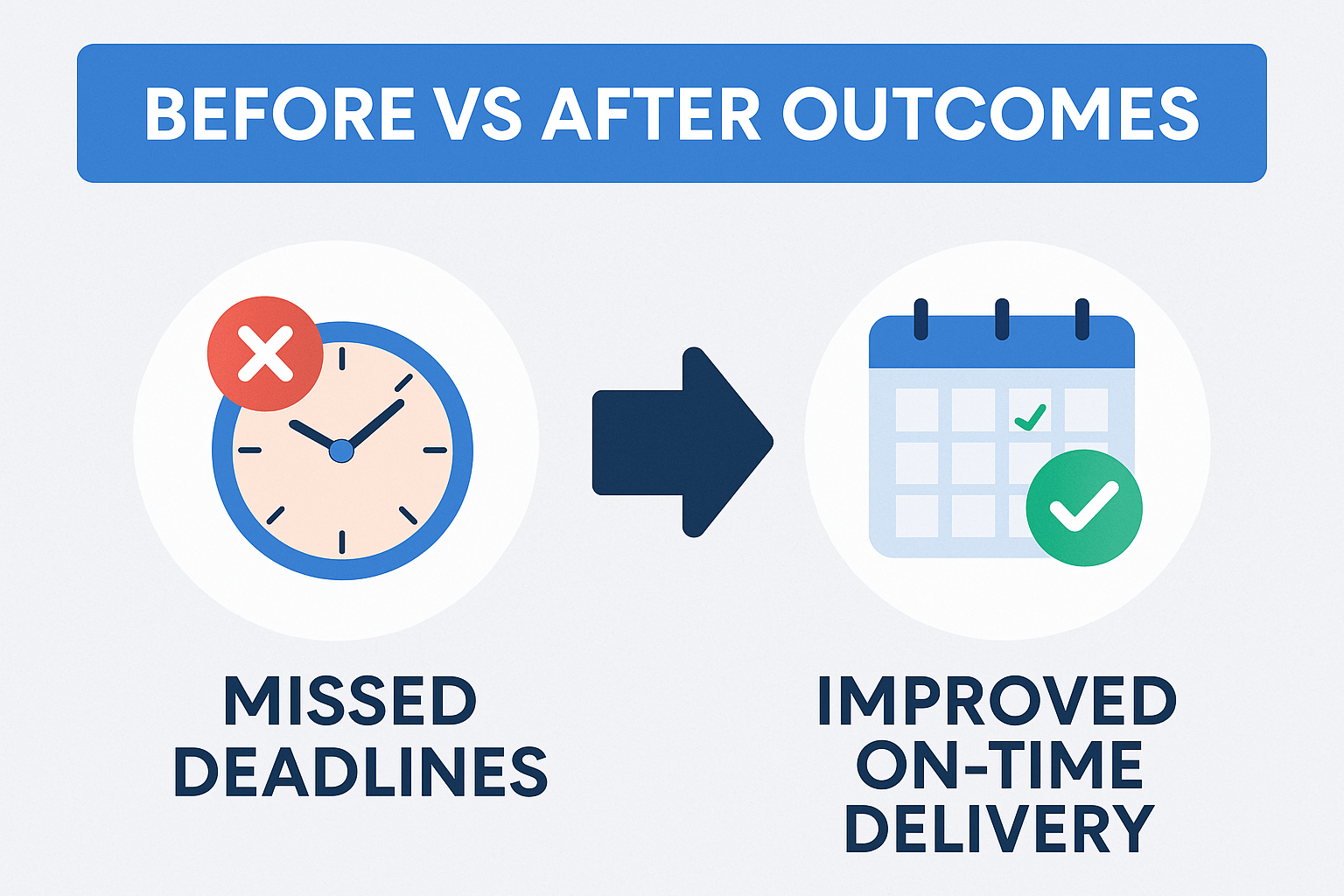
Real-World Example: Departmental Rollout
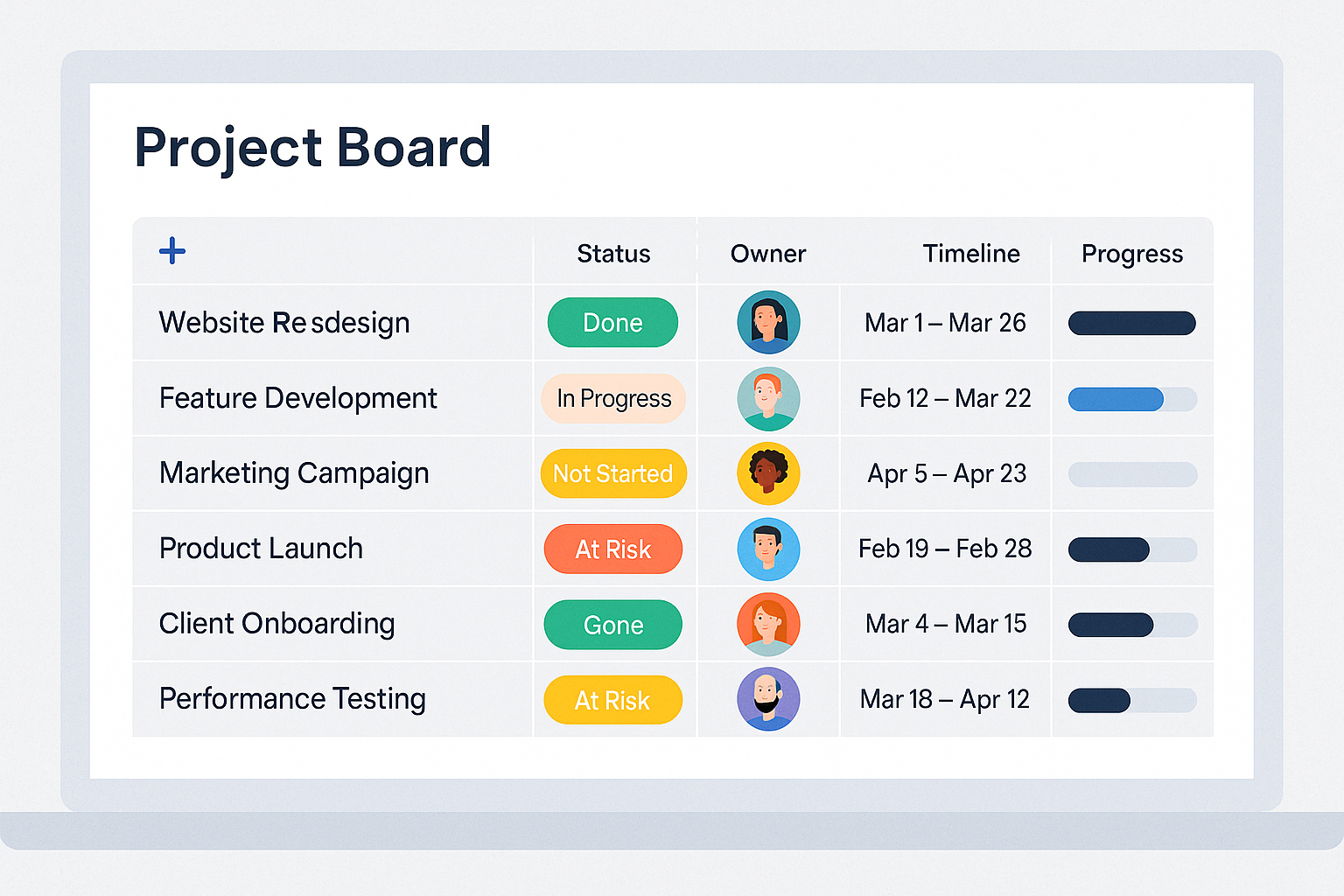
A mid-size marketing agency implemented monday.com across content, design, and client success departments. Initially, they tracked timelines manually in spreadsheets with recurring status meetings.
Post-implementation:
- Average delivery time improved by 31%.
- Time spent in status meetings reduced by 40%.
- Team satisfaction (measured via internal surveys) increased from 6.4 to 8.7/10.
This monday.com implementation focused on clarity, automation, and cross-team visibility.
Common Pitfalls & How to Avoid Them
- Over-customizing too early: Start simple. Complexity kills adoption.
- No system owner: Assign a “monday.com champion” who keeps everything aligned.
- Neglecting cleanup: Archive old boards, close tasks, and regularly clean up permissions.
- One-size-fits-all boards: Different teams need different structures—build accordingly.
- Forgetting the “why”: Always connect the tool to the outcomes your team cares about.
Your 12-Month Monday.com Implementation Timeline
Months 1–3:
- Onboarding, quick wins
- Visibility across tasks and deadlines improves immediately
Months 4–6:
- Workflows begin to self-regulate with automation
- Fewer manual updates, increased accountability
Months 7–12:
- Executive dashboards become central to decision-making
- Portfolio-level reporting enables strategic project planning
- Cross-department workflows streamline
Questions? Please reach us https://pixeltwine.com/contact/